Important Note
While Zubidat Technical Dashboard PRO is a powerful analytical tool that combines multiple proven indicators for clearer market insight, no indicator is infallible or guarantees profitable results. Trading involves significant risk of loss. Use this dashboard solely as confirmation alongside your own analysis, risk management, and trading plan. Past performance of any tool or strategy does not indicate future results.
Why Traders Love It
Realtime analysis & Logic
Combine multiple indicators into one producing buy/sell/neutral counts
Full Multi-Timeframe
1 Min → Monthly overview – see Strong Buy/Sell across all major timeframes
Live & Clean
Real-time updates, beautiful table display, customizable position
Live Dashboard Preview
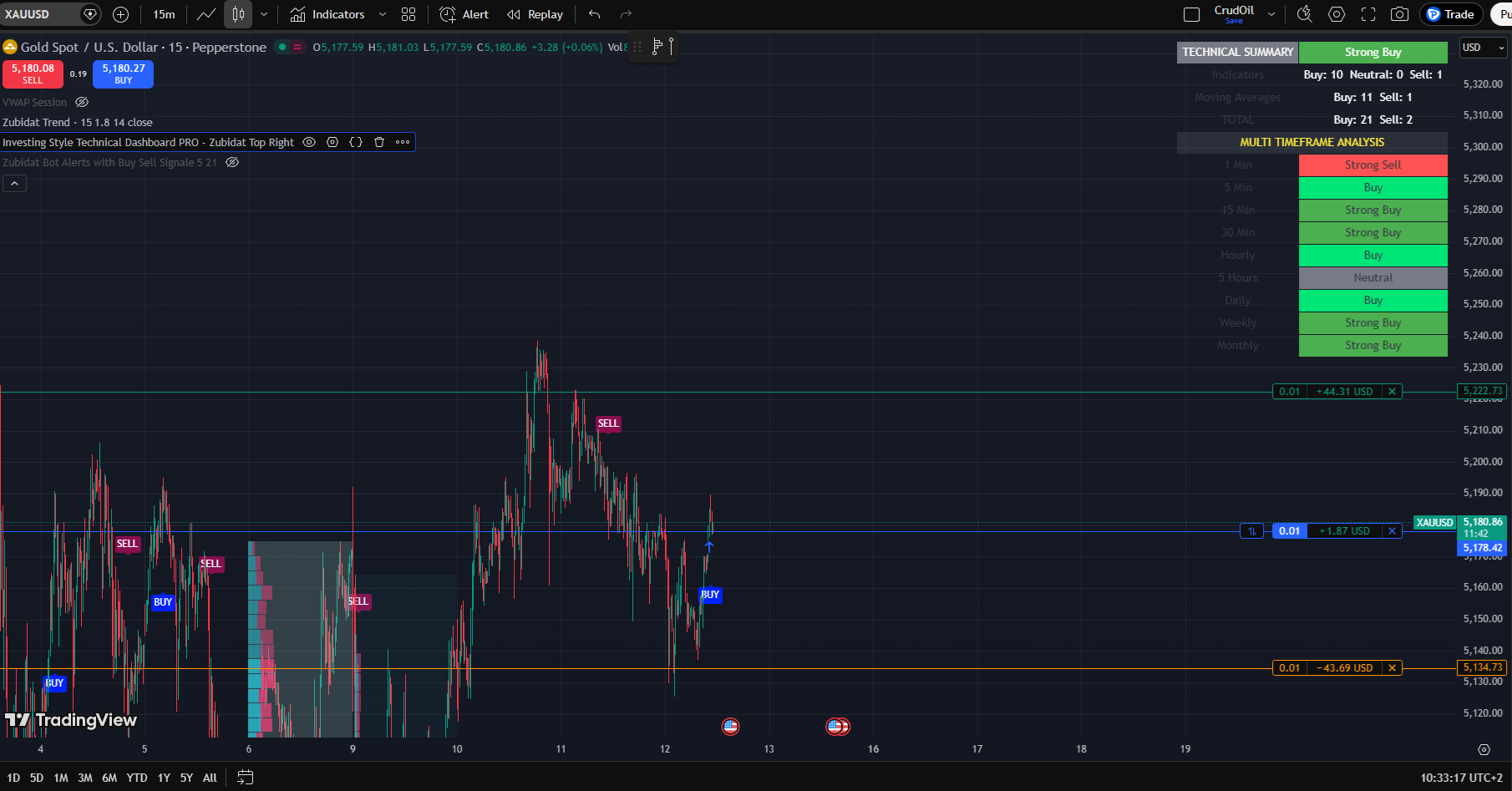
Full MTF table with Strong Buy signals – clean and professional layout
Multi-Timeframe View
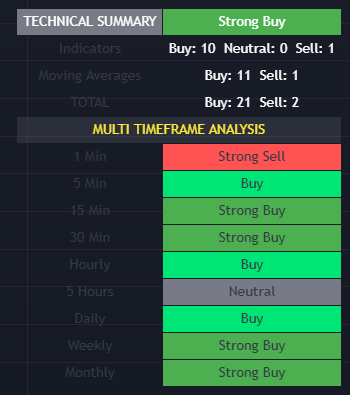
Quick glance at 1 Min to Monthly ratings – just like a pro trader
Indicator In Action
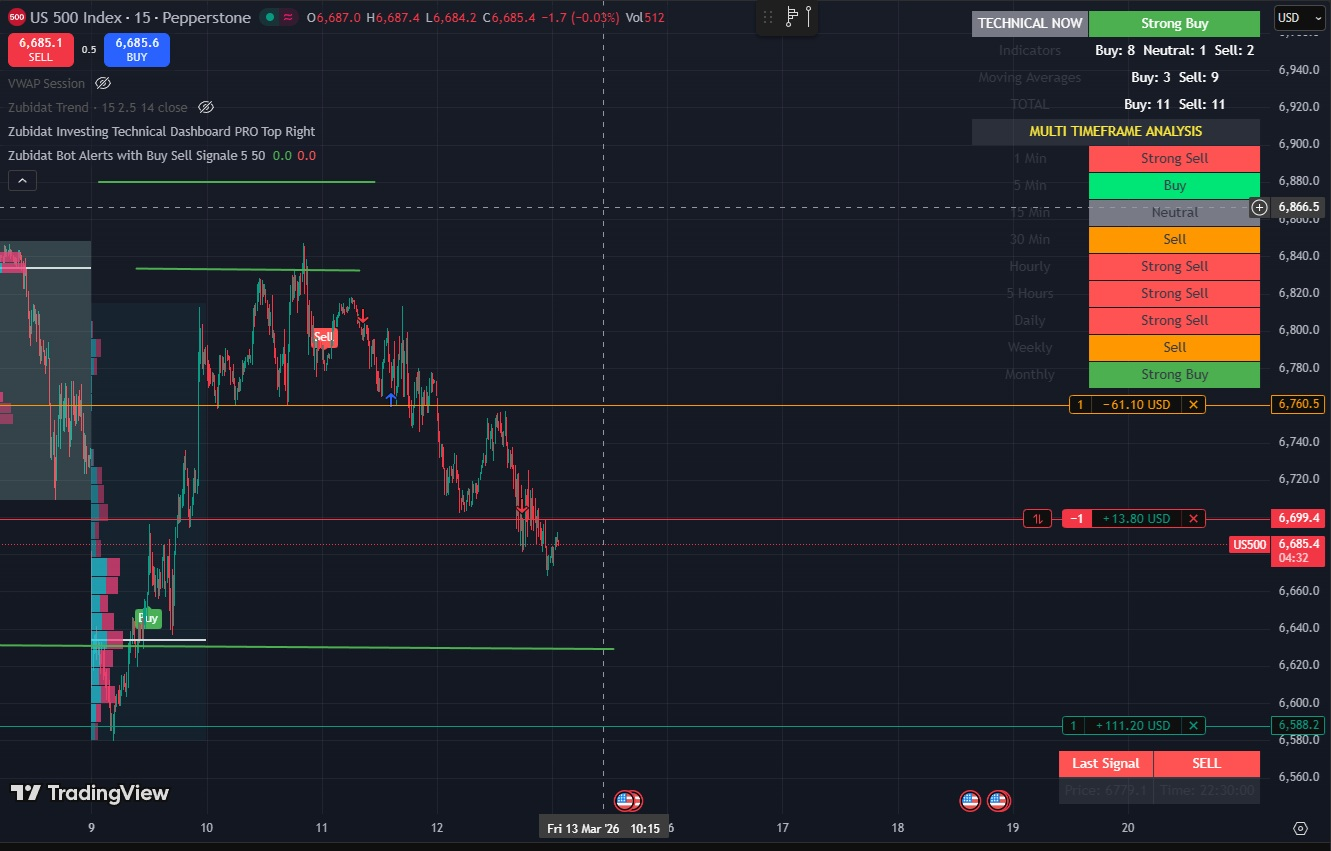
Example trade using Zubidat Dashboard PRO – confirmation from multiple timeframes
Example Strategy: Fixed Range Volume Profile and Zubidat Dashboard Pro
Watch this step-by-step guide on combining fixed range volume profile analysis with the Zubidat Dashboard Pro for high-probability entries and exits.
(Replace with your own video embed URL for a custom tutorial tailored to Zubidat PRO)
Pricing & Payment
LIMITED TIME OFFER
$299 $99
One-time payment • Lifetime access
Full Pine Script source code + setup instructions
Pay with PayPal (Card or Balance)
Amount: $99 USD (one-time payment)
After payment, email muszub@outlook.com with:
• Your TradingView username
• Screenshot of the PayPal payment / transaction details
You'll receive the full source code + setup guide within hours after verification.
Pay with USDT (TRC-20 on Tron)
Amount: Exactly 99 USDT
Network: TRC-20 (Tron) – do NOT use ERC-20, BEP-20 or other chains
Wallet Address:
TCZdLcVNDETxtv4zgiEtPN5H683KenkddA
Payment Instructions:
- Send exactly 99 USDT using TRC-20 (Tron) network from your wallet or exchange (Binance, Trust Wallet, etc.).
- After the transaction confirms, copy the Transaction ID (TXID / Hash).
- Email to muszub@outlook.com:
- Your TradingView username (exact)
- The TXID / transaction hash as proof
- Optional: screenshot of the sent transaction
- I will verify on the blockchain (usually within minutes to hours).
- Once confirmed, you will receive:
- Full Pine Script source code
- Step-by-step installation instructions for TradingView
Questions or need help? Reply directly to muszub@outlook.com
Contact Form
Have questions about the indicator, setup, or trading? Send me a message – I'll get back to you quickly.